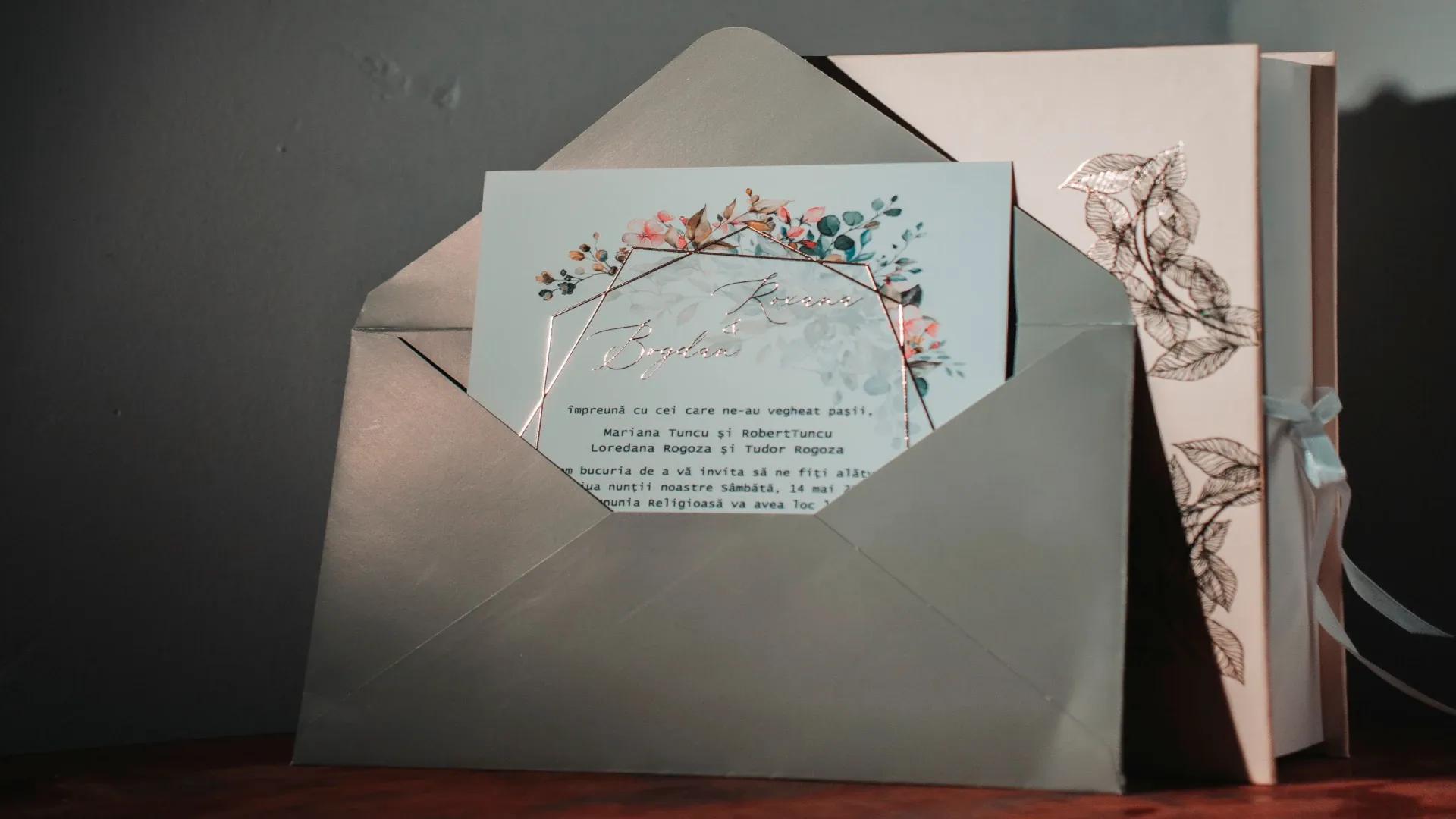
Save-the-Dates, Wedding Invitations and RSVPs: What Comes When?
What information do guests need, and when? This timeline distinguishes save-the-dates, invitations, wedding websites and RSVPs, showing how to keep communication clear without duplicating work.

Wedding communication starts long before the big day.
First, guests want to know when to save the date. Later, they need specific details about the location, start time, how to respond and how to get there. Closer to the wedding, there may also be changes or final reminders.
Sending everything at once makes planning unnecessarily complicated from the start.
But if information is spread across too many channels, guests can lose track of it.
A clear timeline helps.
What is a save-the-date?
A save-the-date is an early announcement of your wedding date.
It essentially says:
Please keep this day free for us. More information will follow.
It’s especially useful if:
many guests will be travelling
your wedding falls during a popular travel season
the date falls during school holidays
guests need to plan time off
you’re planning well in advance
A save-the-date does not replace the actual invitation.
What should a save-the-date include?
Less is often more.
Usually, it’s enough to include:
your names
your wedding date
the general location or region
a note that an invitation will follow
If you already have a wedding website, you can include it too.
But only share information there that’s actually confirmed.
When to send a save-the-date
There’s no one-size-fits-all rule for how many months in advance to send it.
The more travel your guests need to arrange, the sooner a date announcement will be helpful.
For a small celebration with mostly local guests, you can send one later or skip it altogether.
The key question is:
When will our guests need to know the date to plan ahead?
The wedding invitation
The invitation is more formal and specific.
It should include the information guests need to understand:
what they’re invited to
when they’re expected
where they need to go
how they should respond
A clear invitation is more helpful than one packed with text.
Make sure these details are confirmed
Before sending your invitations, check:
date
start time
location
what guests are invited to
RSVP deadline
how to respond
Depending on your wedding, you may also include:
dress code
information about children
accommodation
shuttle service
special events or activities
Not every extra detail needs to go on the printed invitation.
Wedding website: Keep the details in one place
A wedding website is a good place for information that’s more extensive or may still change.
For example:
full address
travel information
parking
hotels
schedule for guests
FAQs
contact person
gift information
later updates
This keeps the invitation concise.
It also gives you one central place to direct guests when they have questions.
RSVPs: Make it as easy as possible to respond
In the context of a wedding, RSVP simply means responding to the invitation.
The easier the process, the more likely guests are to complete it straight away.
Avoid asking for too much information.
For most weddings, it’s enough to ask for:
acceptance or regrets
the names of the people invited
a plus-one, if applicable
meal choice or preference
any practical notes
Only ask for information you actually need for the wedding.
Set a clear deadline
Without a deadline, many guests will leave responding as a task “for later.”
So give them a specific date.
After that, allow enough time to confirm:
the final guest count
catering
table plan
place cards
rooms
vendors
So don’t set the RSVP deadline too close to the wedding.
What if guests don’t respond?
Once the deadline has passed, you can follow up politely.
Keep it personal and brief.
Not:
“Why haven’t you replied yet?”
Try something like:
“We’re finalising the guest count. Could you let us know by Friday whether you’ll be joining us?”
Your guests may simply have forgotten about the invitation.
Changes after invitations have been sent
A wedding is a long-term project, and changes can happen.
For example:
the time changes
a shuttle is added
parking information changes
the hotel room block expires
That’s why having a central digital source of information is useful.
However, for significant changes, don’t assume every guest will happen to revisit the website.
Contact the guests affected directly.
Avoid using too many channels
A common communication mishap looks like this:
save-the-date via messaging app
invitation by post
RSVP by email
hotel information in a group chat
schedule on a website
changes sent via messaging app again
This leads to questions.
So decide:
Where can guests find the latest information?
One useful setup could be:
Invitation: essential confirmed details
Wedding website: details and up-to-date guest information
RSVP: structured responses
Direct message: only for important changes
Keep track of invitation groups
When inviting households or groups, keep a separate record of each person.
This lets you accurately track:
who has been invited
who has responded
who is actually coming
This is especially helpful for families and plus-ones, and prevents inaccurate guest counts.
What wording works well?
Your invitation wording can be personal.
But keep the practical details clear.
Instead of:
“Let us know sometime if you can make it”
try:
“Please RSVP via our wedding website by May 15.”
Instead of leaving plus-one arrangements unclear:
“The invitation is for the people named on it.”
Clarity isn’t unkind. It makes planning easier for your guests.
Digital or printed save-the-dates?
Both work.
Digital save-the-dates are convenient for an early announcement and save on postage.
A printed card can feel more personal and may be part of your wedding stationery.
Choose based on:
your style
your guests
timing
budget
how formal you want it to feel
The format matters less than making the information easy to understand.
Do you really need a wedding website?
Not every small wedding needs an extensive website.
It’s especially useful if:
guests are travelling
there are several venues
you have a lot of information to share
you want guests to RSVP online
you expect frequent questions
It should make sharing information easier, not create extra work.
Keep privacy in mind when communicating with guests
Only collect information you need for planning.
Don’t publish a private guest list.
Don’t share internal contact details unnecessarily.
And when asking about meals, try to collect practical preferences rather than detailed health information.
Wedding planning doesn’t require more personal data than necessary.
A practical communication timeline
Early on
Set the date
Start a rough guest list
Send save-the-dates if it makes sense
A few months later
Finalise the invitation
Prepare the wedding website
Open RSVPs
Share the response deadline
After the RSVP deadline
Follow up on missing responses
Update the guest count
Add important information
Shortly before the wedding
Send only essential final reminders
Communicate changes directly
Avoid overwhelming guests with information
In short: Guests don’t need everything right away—just the right information at the right time
Keep the early date announcement, formal invitation, detailed information and RSVP separate.
This keeps your communication clear.
A save-the-date reserves the date. The invitation makes things official. A wedding website brings the details together. The RSVP process gives you a reliable guest count.
When these four pieces work together, you save yourself time—and your guests always know what they need to do next.